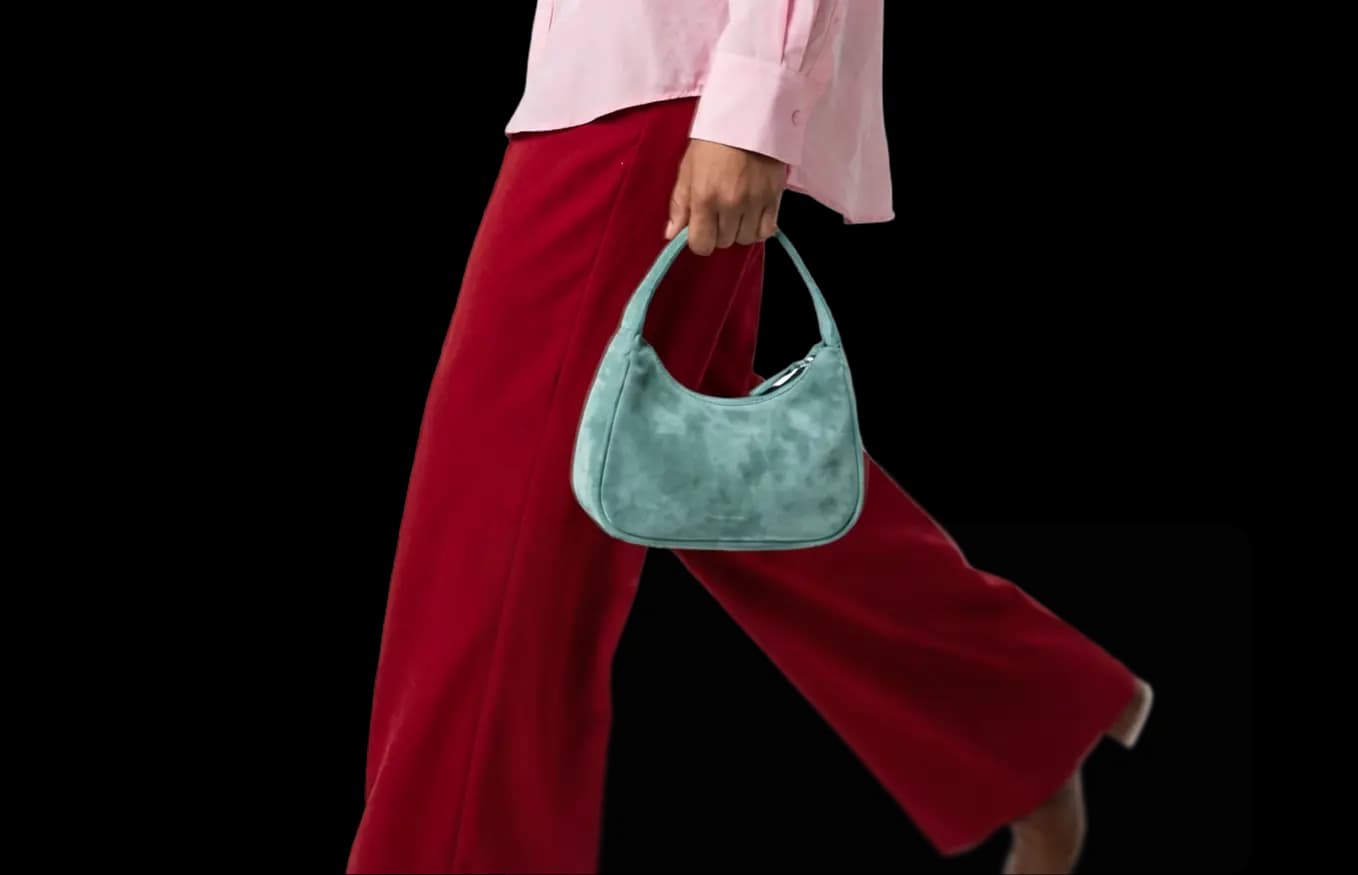
Create or Use AI Models with a Consistent, Recognizable Look
Create a unique model in seconds and use it to generate on-brand photoshoots that keep the same appearance every time.
Build Your Signature Brand
Create or swap your images with recognizable AI models that represent your brand across all your fashion content.
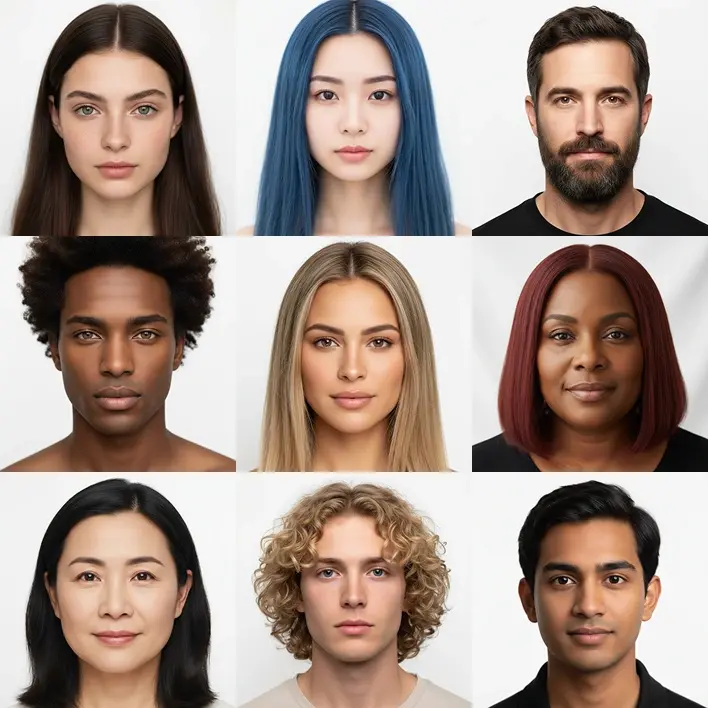
Create a Unique Face in Seconds
With the Vitriini AI Face Studio, you can easily create any face you want by describing detailed characteristics like hair color, age, color, skin tone, and more. Generate a professional-looking face and use it across the Vitriini platform when creating your content.
Create a Consistent ModelUse Face Reference in your Product Photos
When creating product photos from scratch, use any face you've created or upload your own as a reference. Perfect to keep the same model appearance every time.
Product to ModelModel Swap for Instant Consistency
Select any model and apply it to existing photos using Model Swap to achieve visual consistency. Build entire campaigns with the same model appearance, keeping every image aligned.
Model SwapFrequently Asked Questions
Consistent Models is a feature that lets you create or designate a specific AI model and reuse that exact appearance across multiple generations, ensuring a unified brand identity across your entire catalogue.
Create a face using Face Studio, then use that face as a reference when generating with Product to Model, or apply it to existing images with Model Swap.
A clear, front-facing photo with good lighting and no accessories obscuring the face gives the best consistency results.
Generation with face reference takes approximately the same time as standard generation — under 15 seconds for most images.
You can vary hairstyle, makeup, and styling in the generation prompt while keeping the face reference consistent.
Face Reference availability depends on your plan. Check the pricing page for per-plan feature access.
Yes. All generated outputs using Consistent Models are cleared for commercial use.
Visit our Help Center for step-by-step guides on Face Studio and model consistency workflows.