Enhance your fashion visuals with our AI fashion model changer
Swap the person while keeping the outfit, pose, lighting, and background the same. Model Swap changes the model's appearance and preserves the product exactly as it appears.
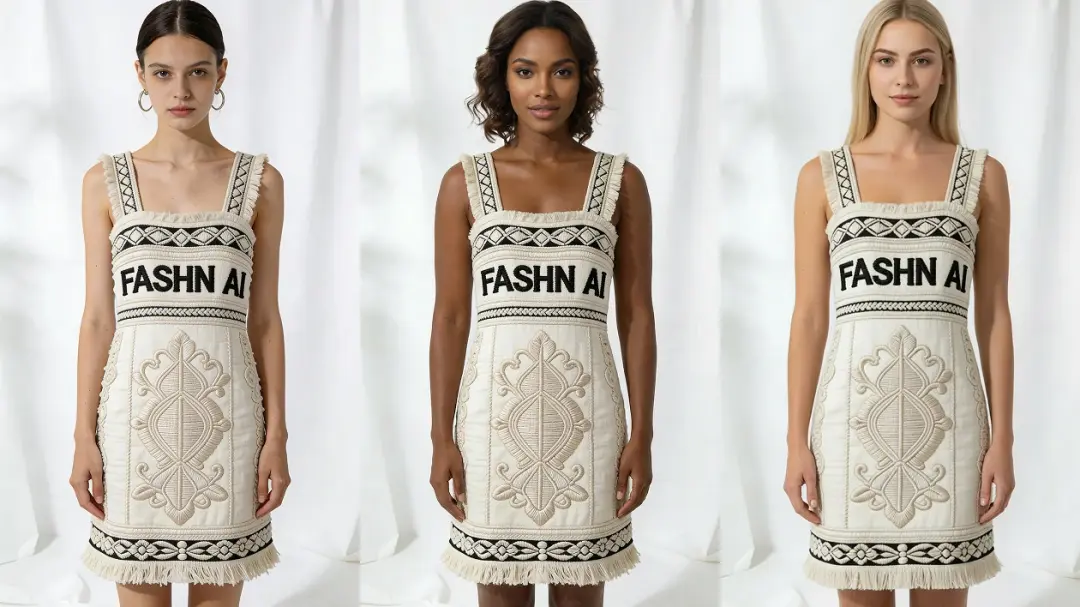
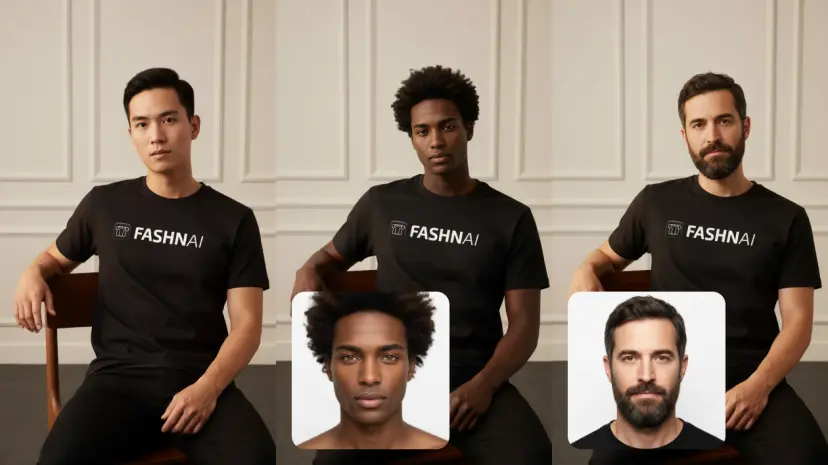
Easy as 1, 2, 3
Upload an image of any model, describe the desired look, optionally provide a face reference, then click Run. Our AI handles the rest, delivering high-quality, production-ready results without affecting the pose or product details.
Ready to Use | No Training Needed, Results in Seconds
Model Swap works instantly, with no setup, no training, and no long processes required. Just upload your model image, click Run, and get high-quality results in under 30 seconds.
Frequently Asked Questions
Use Model Swap when you want to diversify the models presenting your garments without a re-shoot, or when you need the same product shown on multiple different people for different markets or campaigns.
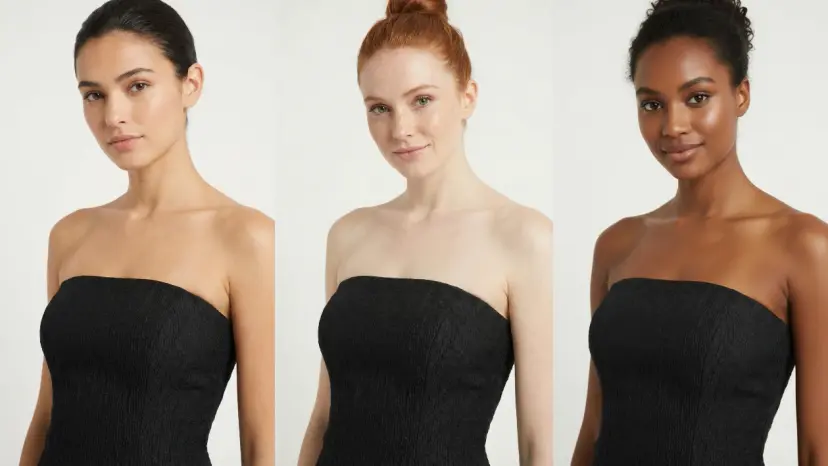
Model Swap changes the model's face, skin tone, and body appearance while preserving the outfit, pose, lighting, and background as closely as possible.
Use high-resolution images with clear model visibility. Avoid heavily compressed or blurry source photos for best results.
Yes. You can provide a face reference image or a text description to guide the appearance of the new model.
You can generate multiple variations per session depending on your plan.
Outputs are delivered at production-grade resolution suitable for e-commerce and marketing use.
Model Swap focuses on swapping the model. For background changes, use the background editing tools available separately in the app.
Our AI handles hands and feet automatically. If results are not ideal, try adjusting the source image crop or contact our support team.
Model Swap is designed for images that already contain a human model. Ghost mannequin or flat lay inputs work better through Product to Model.
Yes. All generated outputs are cleared for commercial use.
Model Swap is available in the Vitriini App Studio. Navigate to the Model Swap tool from your dashboard.